

A better profile picture for LinkedIn, before you apply

A good LinkedIn profile picture is a square photo of at least 400×400 pixels, under 8 MB, where your face fills about 60% of the frame, your eyes look into the lens and the light is even. LinkedIn shows it as a circle, from about 400 pixels on your profile down to a few dozen in search results and comments, so a photo that looks fine as a rectangle can lose the face in the small circle. LiHeadshot checks your current photo against those points for free, tells you what to fix, and can make a new profile picture from that one photo of you.

Updated

The specs

Recommended size
400×400 px or larger, square
File
JPG or PNG, under 8 MB
Shown as
A circle, cropped from the centre
Face
About 60% of the frame, eyes in the top third
Crop
Head and shoulders
Background
Plain or softly blurred

Do

  • Use a recent photo that looks like you do today
  • Face the light: a window in front of you, not behind
  • Look into the lens and keep your shoulders square
  • Wear what you would wear to the job you want

Avoid

  • Group photos, cropped-out friends or a partner’s shoulder
  • Sunglasses, hats, filters or heavy retouching
  • A full-body or far-away shot where the face is tiny
  • Busy backgrounds that draw the eye away from you

Check your photo, free

Upload one current photo of yourself. It is checked to show one adult (you), then scored as a profile picture. The check never costs credits.

Your score and fixes appear here after the first photo is checked.

From an everyday photo to a profile picture

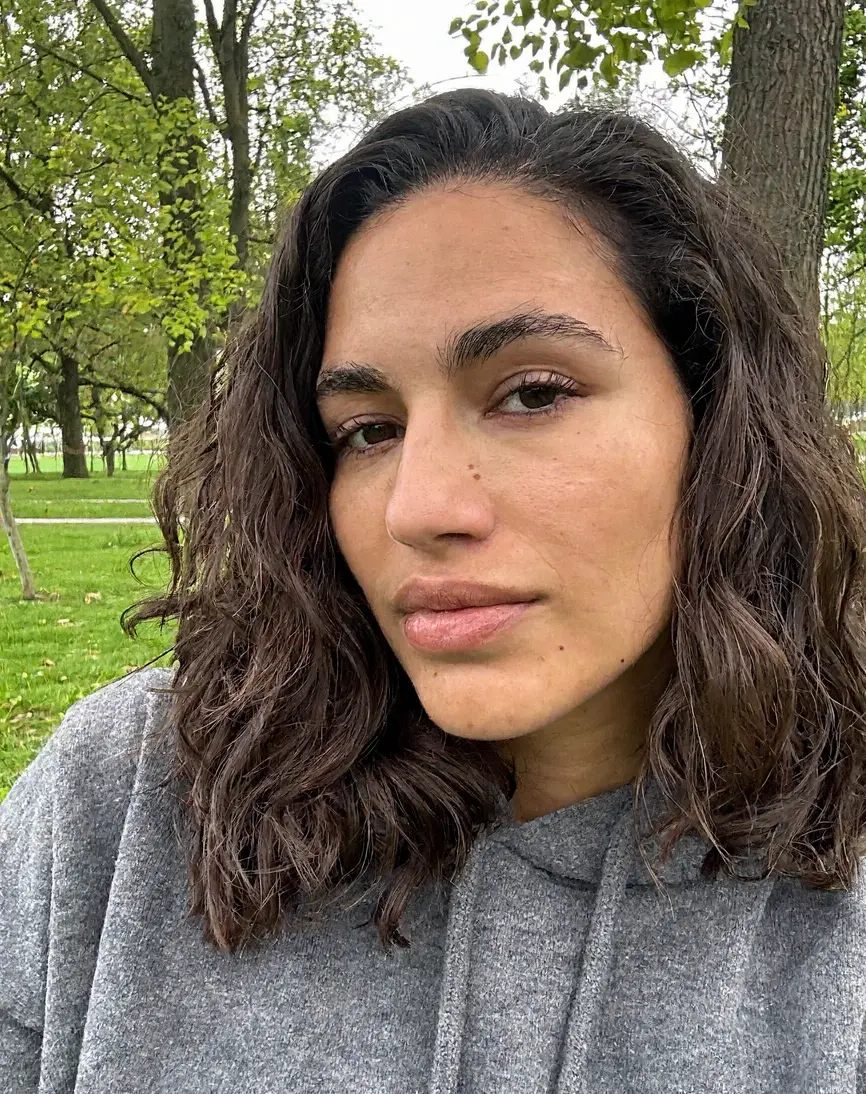
  • Everyday photo of Amaya before the profile photo step
    Everyday photo
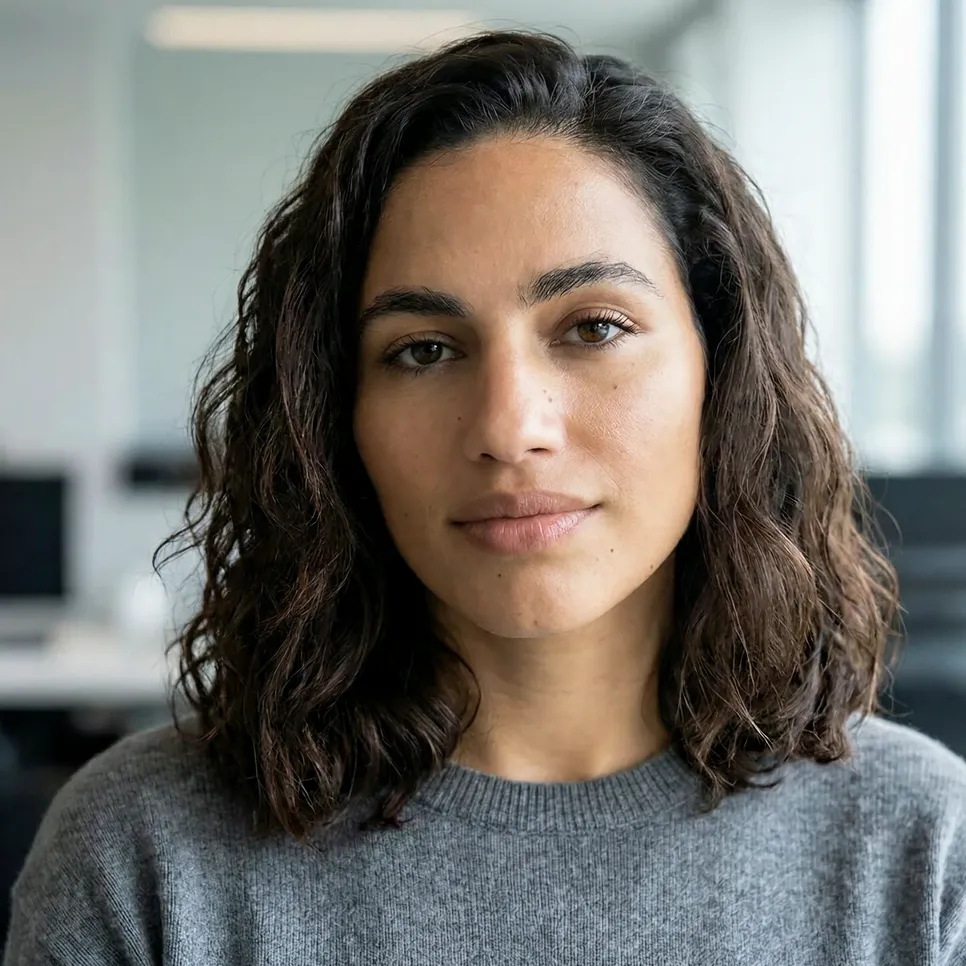
    Profile photo of a woman with shoulder-length wavy dark hair in a grey crew-neck sweater, softly blurred bright office behind her
    Software engineer
  • Everyday photo of Haruto before the profile photo step
    Everyday photo
    Profile photo of a man with short black hair and rectangular glasses in a grey blazer over a light blue shirt, blurred office behind him
    Research lecturer
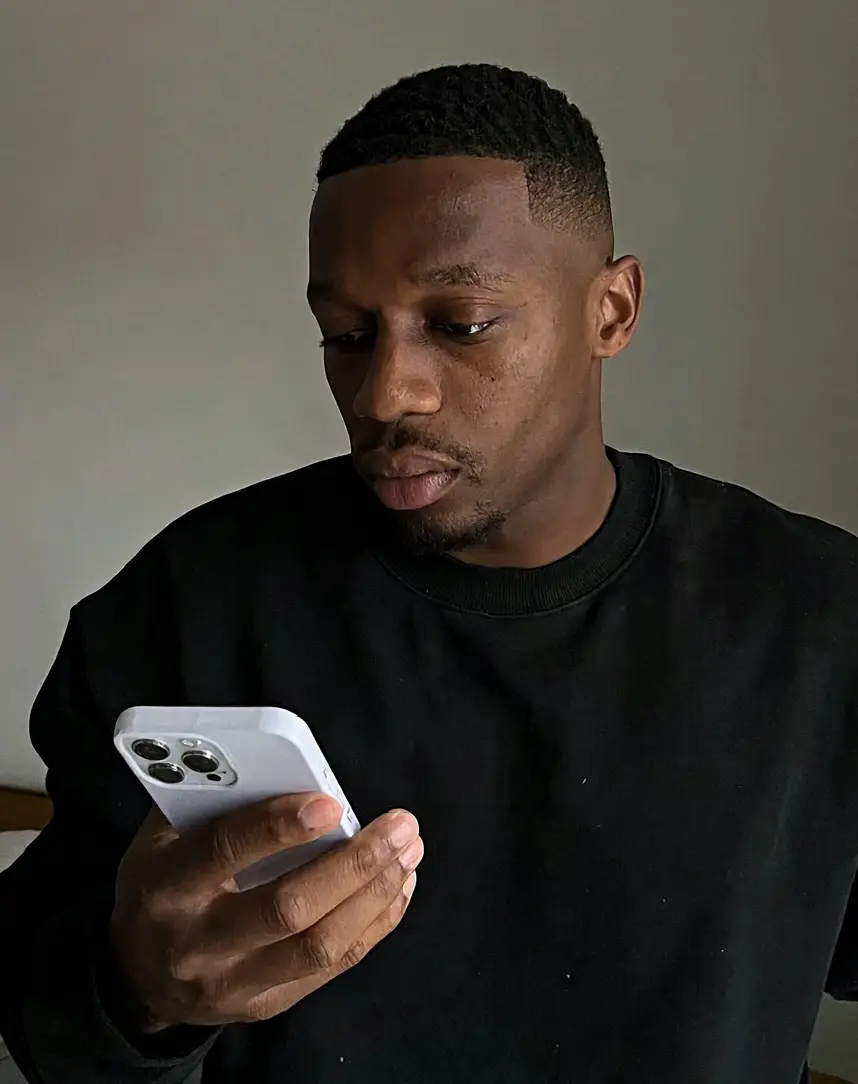
  • Everyday photo of Kofi before the profile photo step
    Everyday photo
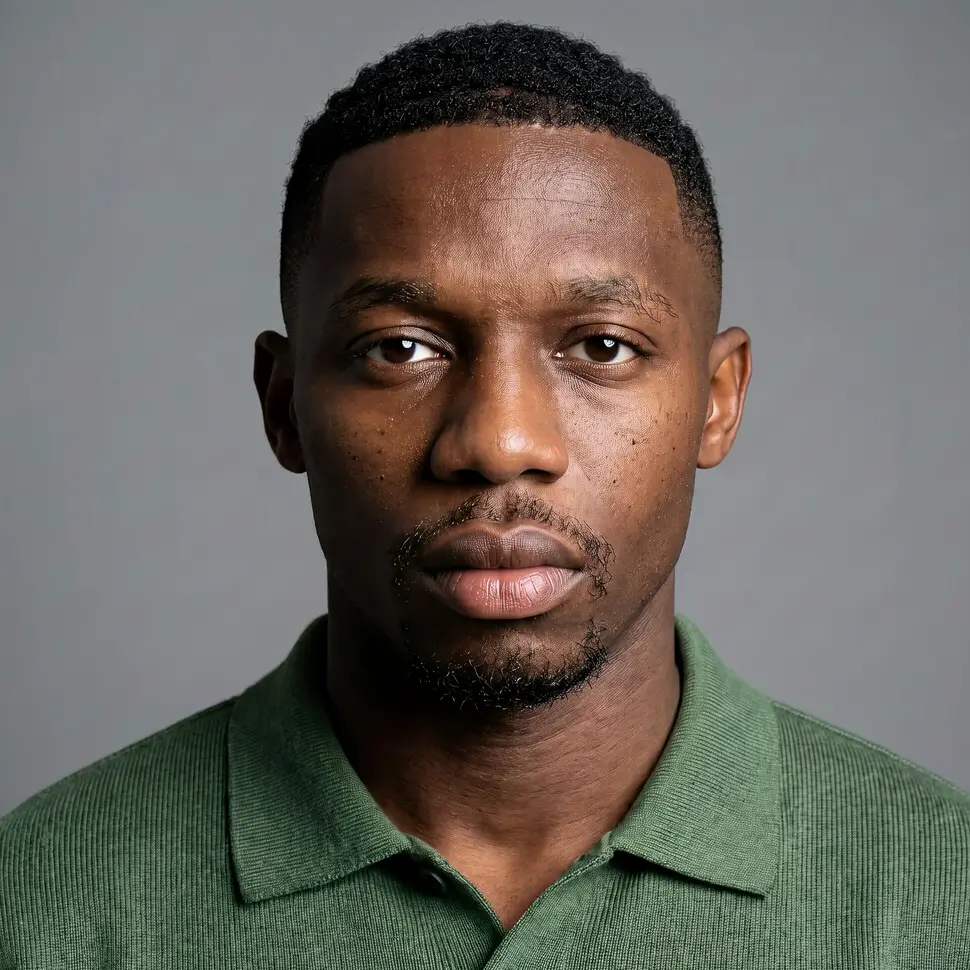
    Profile photo of a man with a short fade haircut in a green polo shirt on a studio grey backdrop
    Data analyst
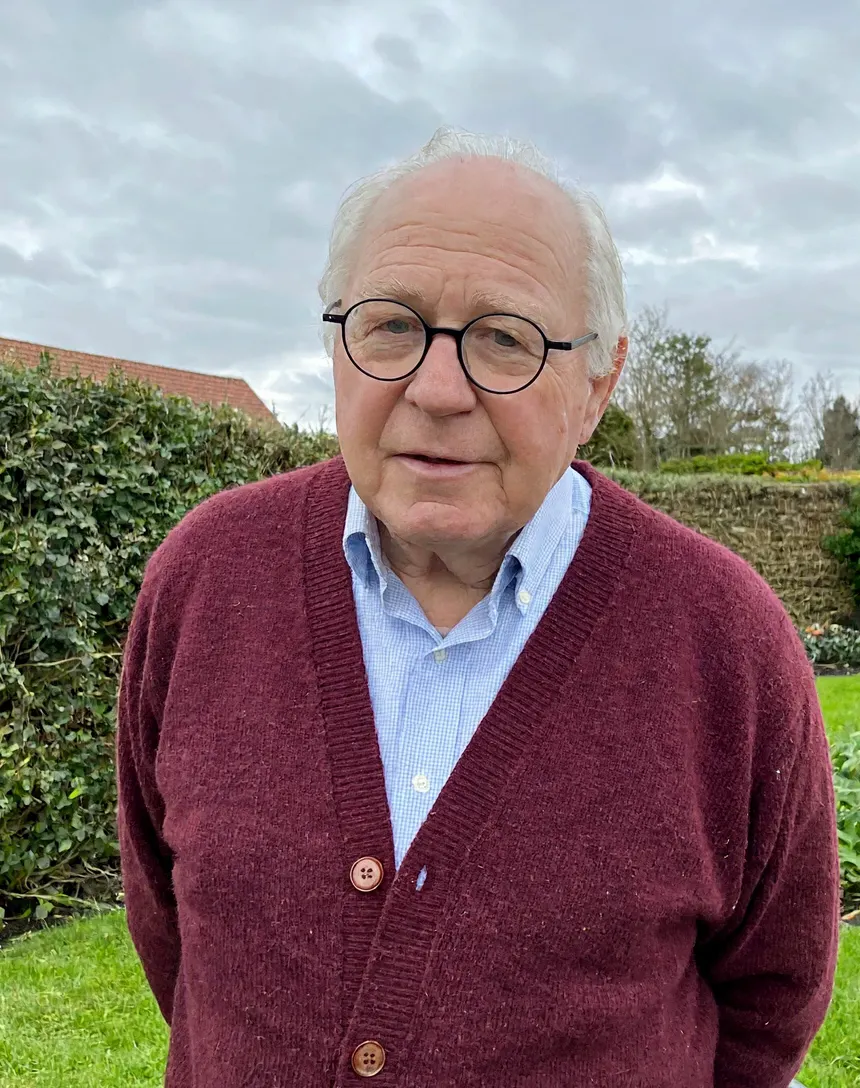
  • Everyday photo of Gareth before the profile photo step
    Everyday photo
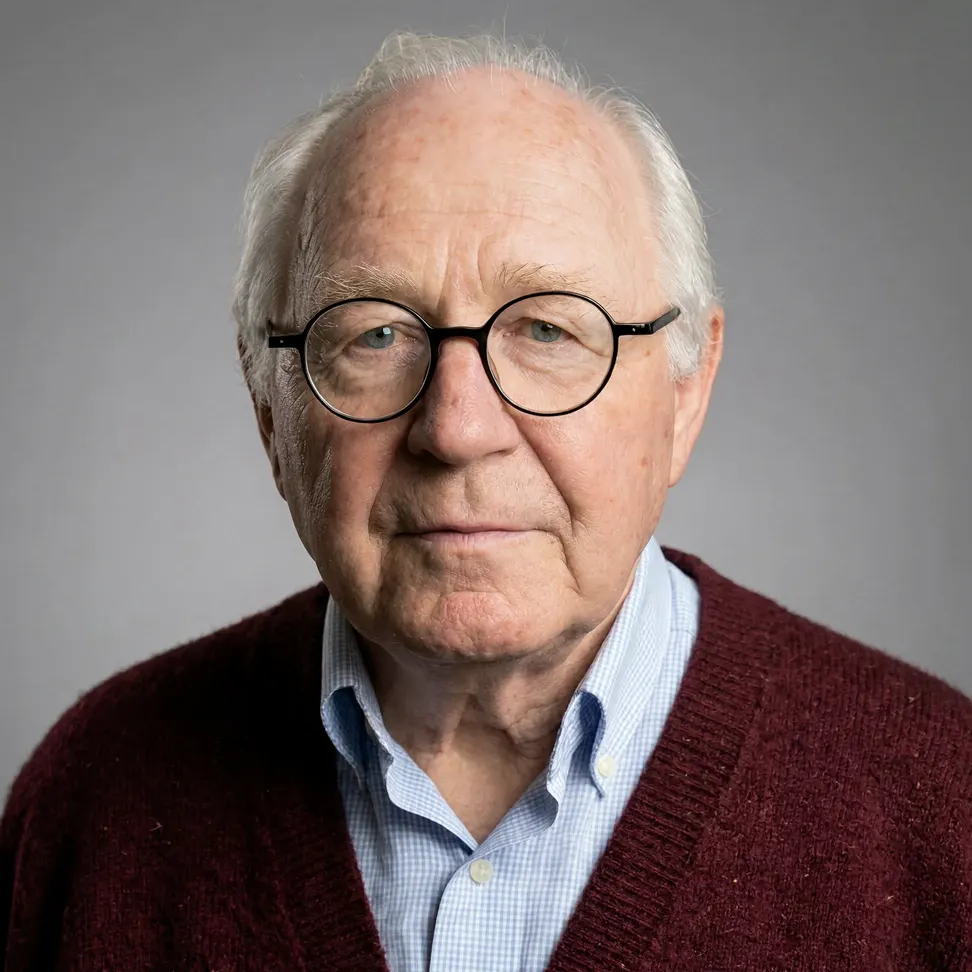
    Profile photo of an older man with white hair and round glasses in a burgundy cardigan over a blue shirt on a studio grey backdrop
    Professor emeritus

Everyone shown is an AI-generated person who does not exist, photographed in everyday settings and then run through the same profile photo step you use.

How it works

  1. 1

    Check your photo

    Upload one current photo of yourself. The check scores it as a profile picture: face size in the circle, light, background, eye line, crop, sharpness and expression, with the fixes worth the most points first. It is free, and the photo is deleted 7 days after upload.

  2. 2

    Make the profile picture

    Pick your role (corporate, business casual, creative, tech, academic, medical or legal), what to wear and a background. The new photo is made from your checked photo and shown in the same small circle LinkedIn uses, so you see it at feed size before you download it.

  3. 3

    Add a matching banner

    Make a background banner in your photo’s colours at the 1584×396 profile banner size, type your headline and save it as a PNG.

Good for

  • Job seekers updating a profile before applying
  • A new role, promotion or career change
  • Graduates whose only photos are from events or holidays
  • Anyone whose current picture is a cropped group shot

What size should a LinkedIn profile picture be?

Upload a square image of at least 400×400 pixels; larger is fine, and LinkedIn scales it down. The file limit is 8 MB. Because the picture is cropped to a circle, keep your face centred with some space above your head, and check how it looks small: the circle next to a comment is only a few dozen pixels across. LiHeadshot makes square photos at 1K and shows each one at both sizes.

Why does a photo look fine but fail as a profile picture?

Most photos are taken for a different job. A holiday shot has the face small in the frame, a party shot has side light and a busy room, and a selfie is often taken from below. In a circle at feed size those details decide whether a recruiter sees a face at all. The free check rates each of them separately, so you know whether to retake the photo or make a new one from it.

Does it still look like me?

It should, and you decide before using it. The new picture is made only from your own photo, keeping your face, skin tone, hair, age and glasses; only the clothes, light and background change. You can add up to three more photos of yourself for a closer likeness, and each one is checked to be the same person. If a result does not look like you, do not use it: make another, or change the photo you start from.

What it costs

Every profile photo is 1K: square on either model, or 4:5 on MiniMax H3 Image. A full kit of 4 photos and a banner is 154 credits; the photo check is free.

JobModelCredits
Profile photoMiniMax H3 Image31 credits
Profile photoGPT Image 2.631 credits
Banner backgroundMiniMax H3 Image30 credits
Photo check—Free

New accounts get 31 free credits once, after email verification: enough for one profile photo.

See plans and kits

FAQ

What is the best LinkedIn profile picture size?

A square image of at least 400×400 pixels and under 8 MB, in JPG or PNG. LinkedIn crops it to a circle, so keep your face centred and filling most of the frame.

Is the photo check free?

Yes. Checking a photo costs no credits; you need an account so the photo is stored under your own consent. Making a new profile picture or a banner uses credits.

Can I use a photo of someone else?

No. Upload only photos of yourself, as an adult. Photos of children, of public figures, of more than one person or of someone else than your first photo are refused before anything is made.

How long do you keep my photo?

Photos you upload are deleted 7 days after upload, or sooner when you delete them yourself. Finished profile pictures and banners are kept for 30 days so you can download them again.

Is LiHeadshot part of LinkedIn?

No. LiHeadshot is an independent service and is not affiliated with or endorsed by LinkedIn. It makes photos and banners in the sizes LinkedIn uses; you upload them to your profile yourself.

Should I smile in my LinkedIn photo?

A natural, relaxed smile reads as approachable at small sizes and suits most roles. Legal and medical presets keep a calmer expression; pick the role preset that matches the job you want.